Daily recording software for children's homes
Capture the everyday details of each young person's care, keep colleagues informed and give managers a clear view of the records. OVcare brings daily logs, handovers and review into the same care management platform.
Keep the detail.
Make the next shift clearer.
A conversation, a change in mood, an activity or contact with family can matter to the next person on shift. Recording those details while they are fresh helps colleagues understand what happened and what needs attention.
OVcare lets staff record on a phone, tablet or computer, with voice-to-text and manager review. Daily records sit alongside the wider tools your home uses for care planning, incidents and reporting.
From the first note to the next handover
A practical workflow for staff on shift and the managers reviewing their work.
Capture what happened
Add daily observations from your browser on a phone, tablet or desktop. Type your note or use voice-to-text, then check the wording reflects what you observed.
Give managers clear oversight
Managers can review staff work, sign it off or return it with feedback. The leadership dashboard brings outstanding records and review tasks into view.
Help the next team pick up
Daily logs, shift handovers and incident follow-up help colleagues understand changes and outstanding concerns without relying on separate notes.
Space for the everyday details
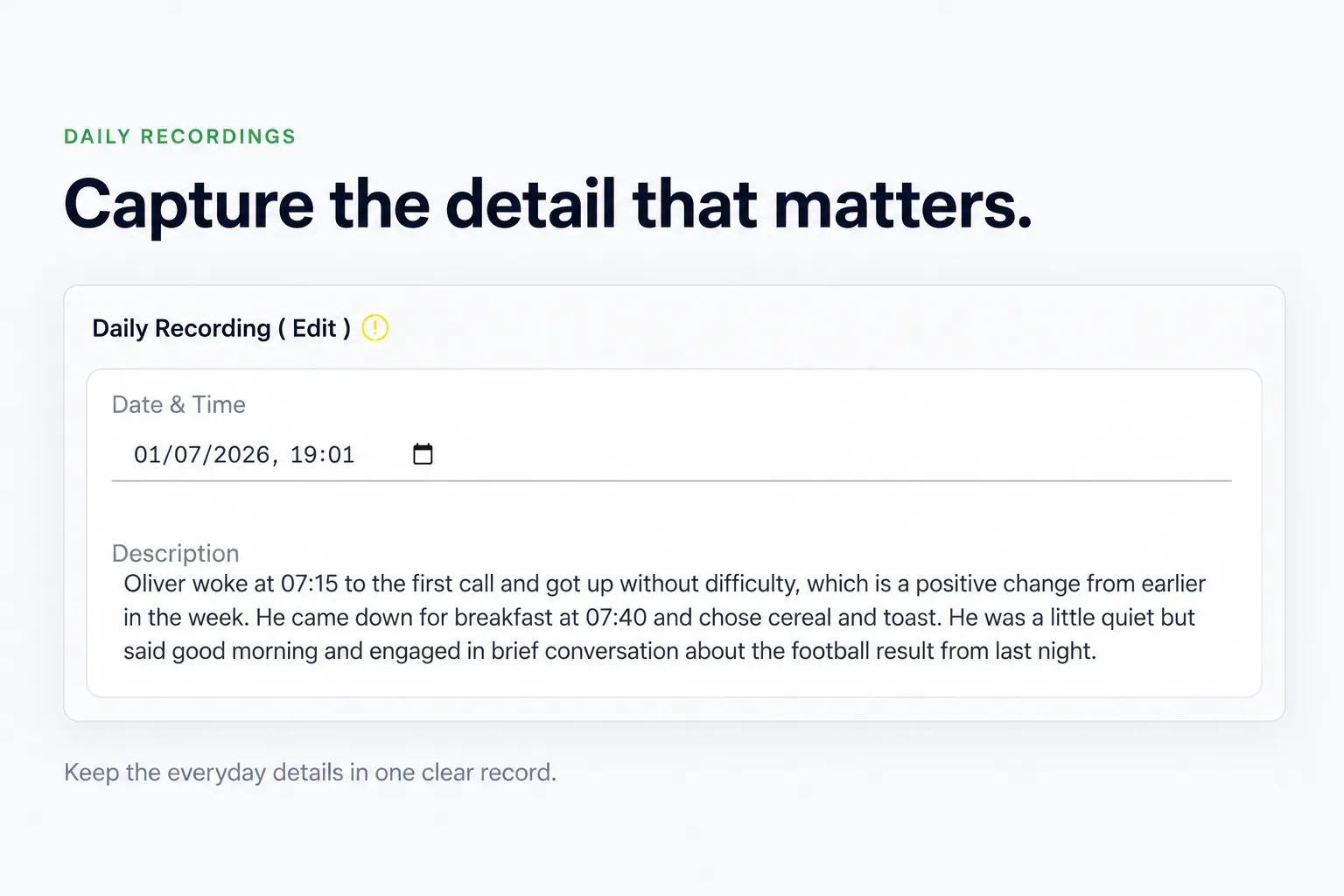
Keep a record of routines, interactions, activities and wellbeing. Clear notes help the team understand each young person's day in context.
Part of the young person's wider record
Daily recording is one part of care. OVcare also brings planning, follow-up and reporting into the same platform.
Care plans and progress
Keep everyday observations alongside care and placement plans, individual goals and review preparation. Help your team consider the support provided over time.
Incidents and follow-up
Use dedicated incident records and follow-up actions for events that need them. Routine daily notes and incident management have different purposes, with both available in OVcare.
Reports and trends
Use the information recorded by your team in OVcare's reports and summaries. Review patterns over time and bring relevant evidence into management discussions.
Access for your team
Role-based access helps control who can see sensitive care information. Discuss your staff roles and recording workflow during the demo.
“The system is really easy to use, and I like that I can record quickly from my phone or a computer. Being able to record on the go saves me time at the end of a shift and means I get to spend more time with the kids.”
Daily recording questions
Can staff make daily records on a phone?
Yes. OVcare is browser-based and works on phones, tablets and computers with an internet connection. There is no app to install.
Can staff dictate their notes?
Yes. Voice-to-text lets staff dictate rather than type. Staff should check the resulting text for accuracy and use it in a setting where conversations and care information remain private.
Can managers review recordings?
Yes. Managers can review staff work, sign it off and send it back with feedback. We can show you the review workflow and leadership dashboard in a full demo.
Does software replace our recording procedures?
No. Your team remains responsible for accurate, timely records and for following your home's procedures. OVcare supports recording and oversight; it does not replace professional judgement.
Can we move from paper or another system?
We plan setup, any record transfer and training around your service. The timetable depends on your current records and requirements. See how switching to OVcare works.